How to use the Musaffa app
Last updated Over 1 year ago
How to use the Musaffa app
Navigating the world of halal investing can be complex, but with the Musaffa app, it becomes clear, accessible, and aligned with your values. Whether you're new to Islamic finance or already a seasoned investor, this guide will help you understand how to use the Musaffa platform and benefit from its core features.
This general tutorial gives you an overview of how the Musaffa platform works, so you can confidently explore and make use of its many tools and features.
1. Getting started: Download and sign up
You can access Musaffa through our Android app or iOS app. Follow these steps to get started:
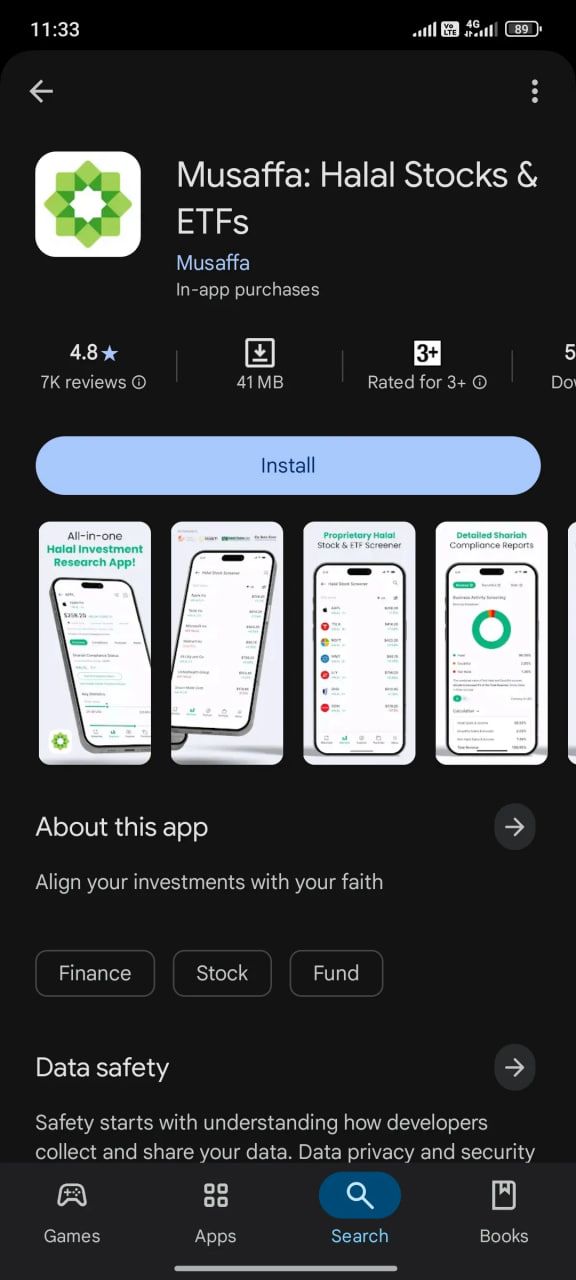
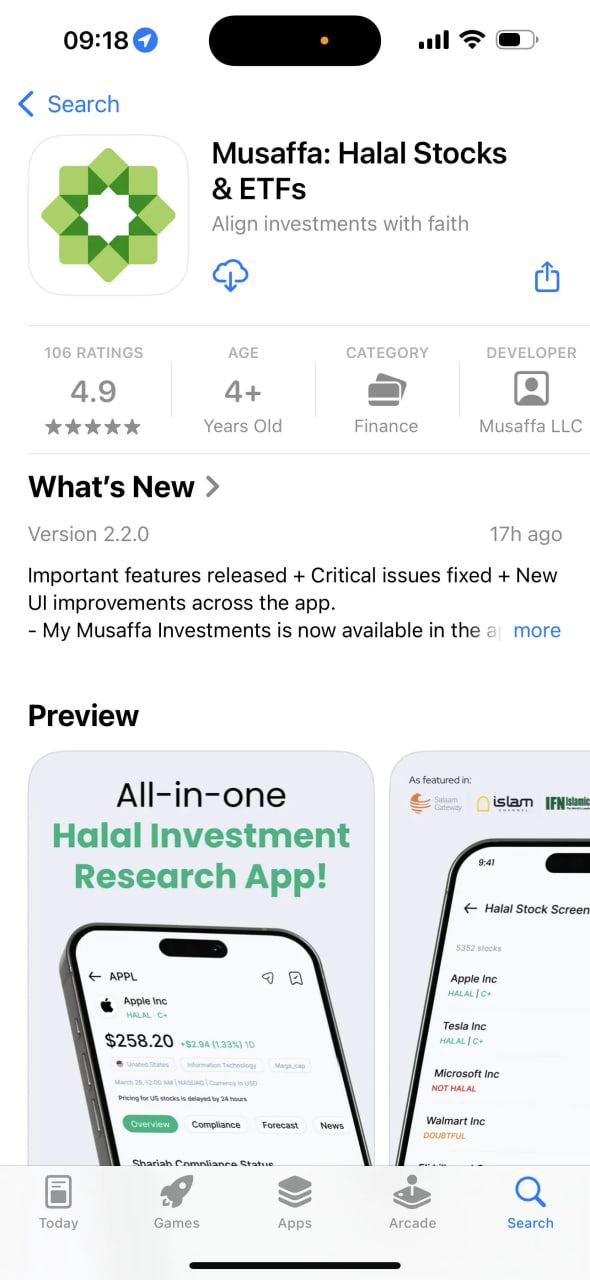
Step 1: Download the Musaffa app
Android users: Download from the Google Play Store
iOS users: Download from the Apple App Store
Step 2: Create your account
You can sign up using:
Email and password, or
Google account
⚠️ Important note:
If you want to log in on other devices using email and password, do not sign up with Google Authentication, as it skips the password creation step. You won’t be able to generate a password later for such accounts.
Once signed up, log in and begin exploring the platform.

2. Personalize your experience
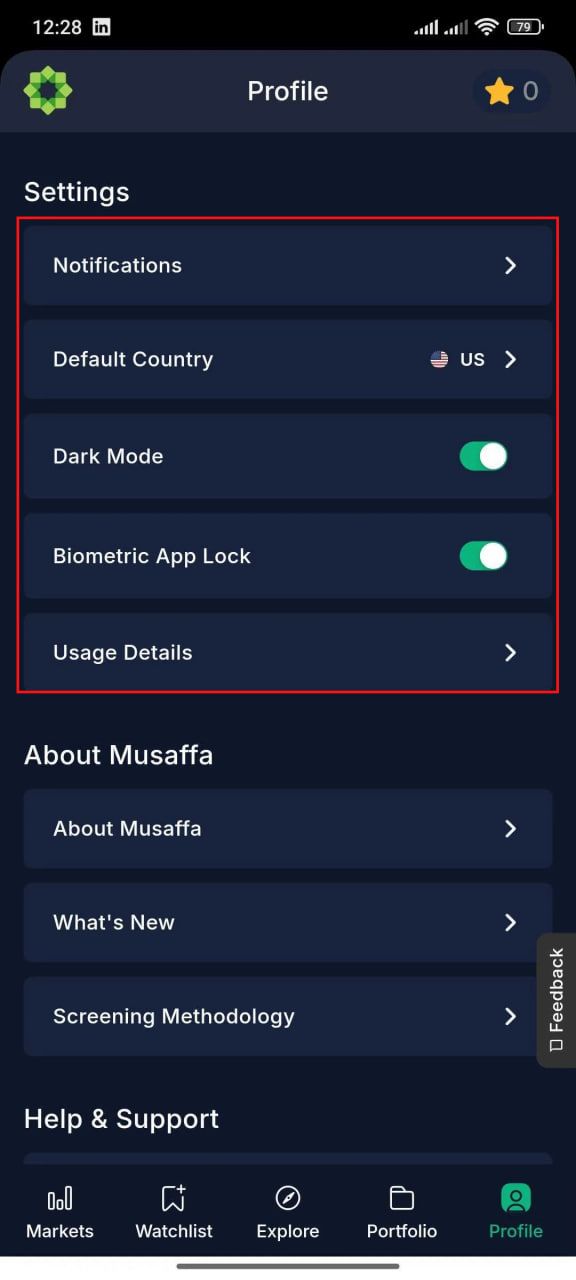
To enhance your user experience, Musaffa offers several customization features. You can access them by going to your Profile, under the “Settings” section.
Here, you can:
Select your preferred country or region – This helps tailor the stock collections, news, and other content to your market of interest.
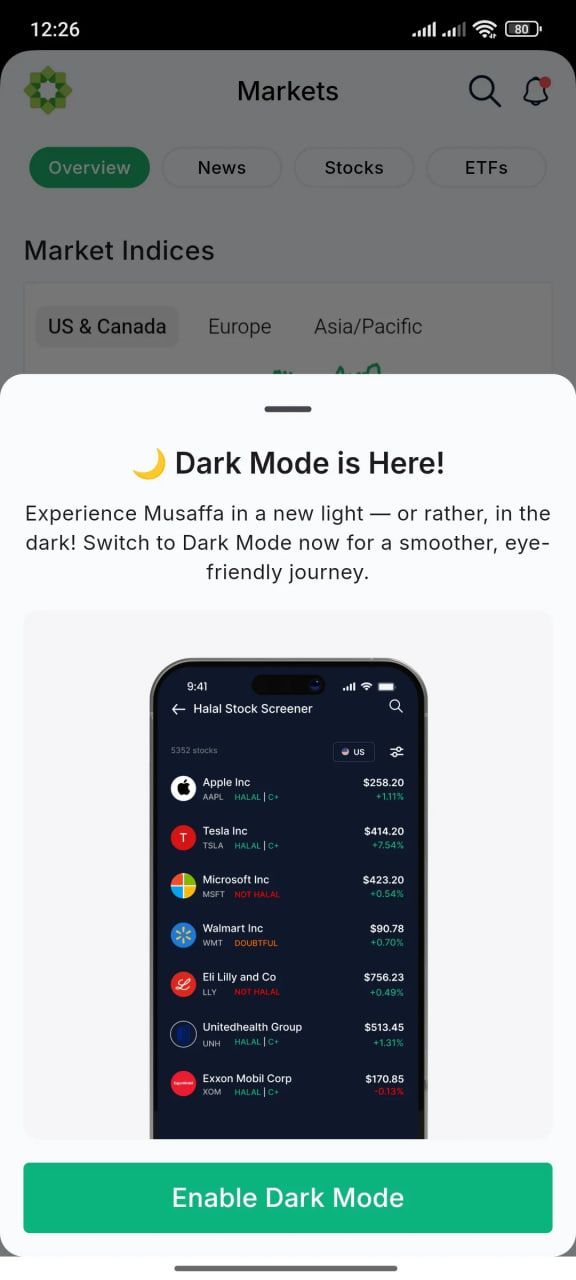
Enable Dark Mode – Switch to a darker interface that's easier on the eyes, especially in low-light environments.
Turn on Biometric App Lock – Add an extra layer of security by enabling fingerprint or face recognition to access the app.
These settings help you create a secure, comfortable, and personalized investing environment.
3. Explore halal stocks and ETFs
The Explore page in the Musaffa app is your gateway to discovering a wide range of Shariah-compliant investment options. It includes powerful tools to help you search, filter, and analyze halal stocks and ETFs.
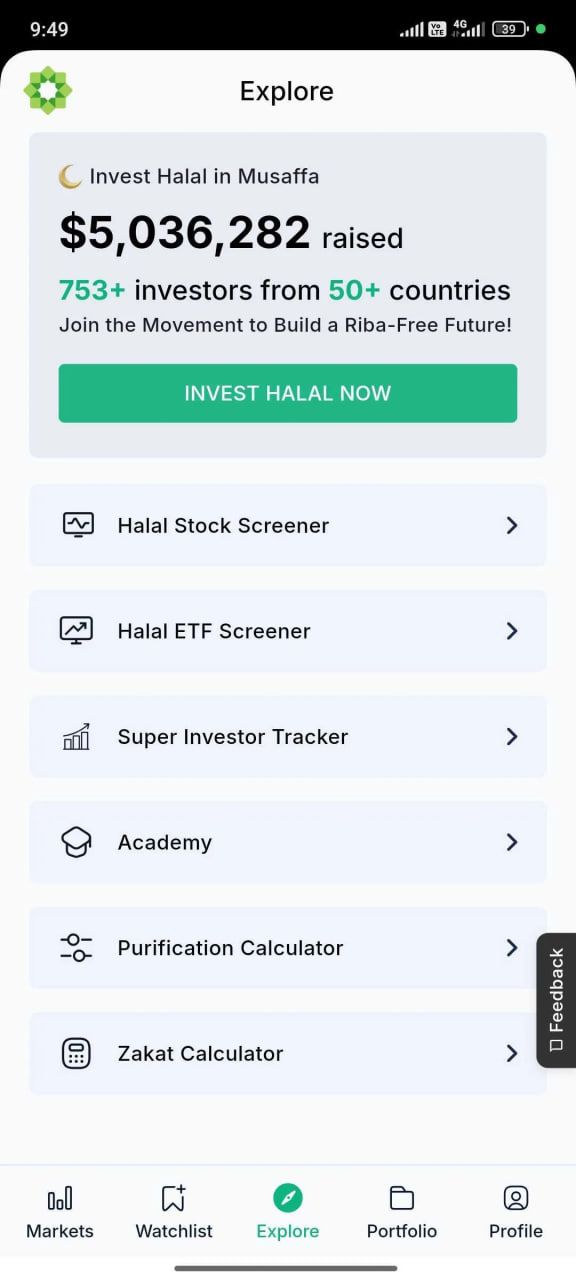
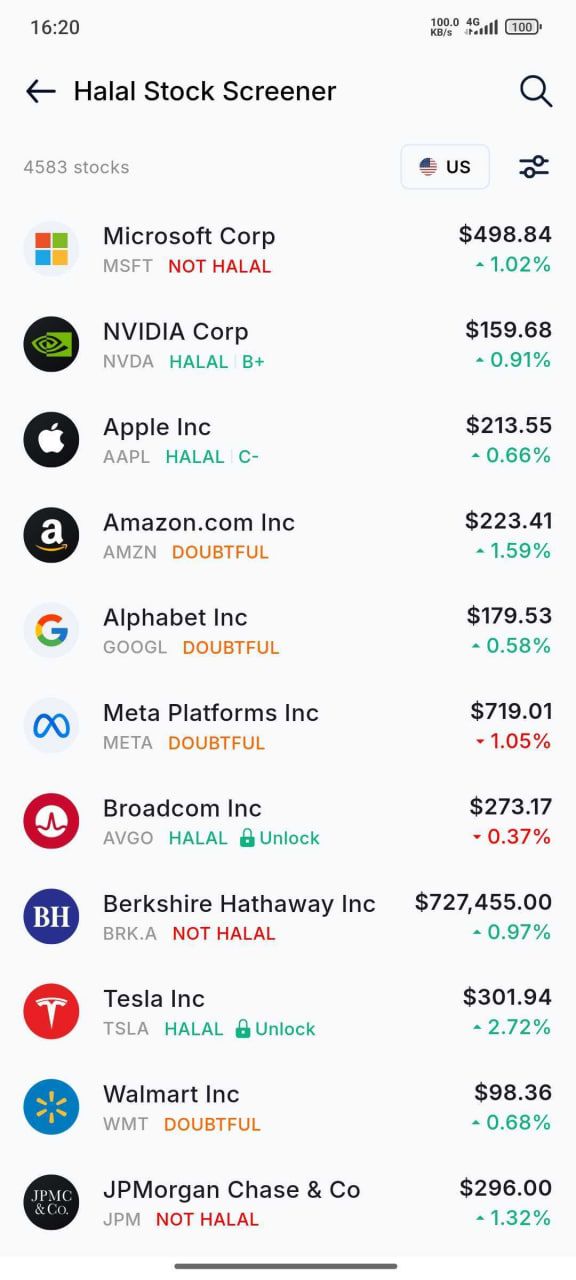
Halal Stock Screener
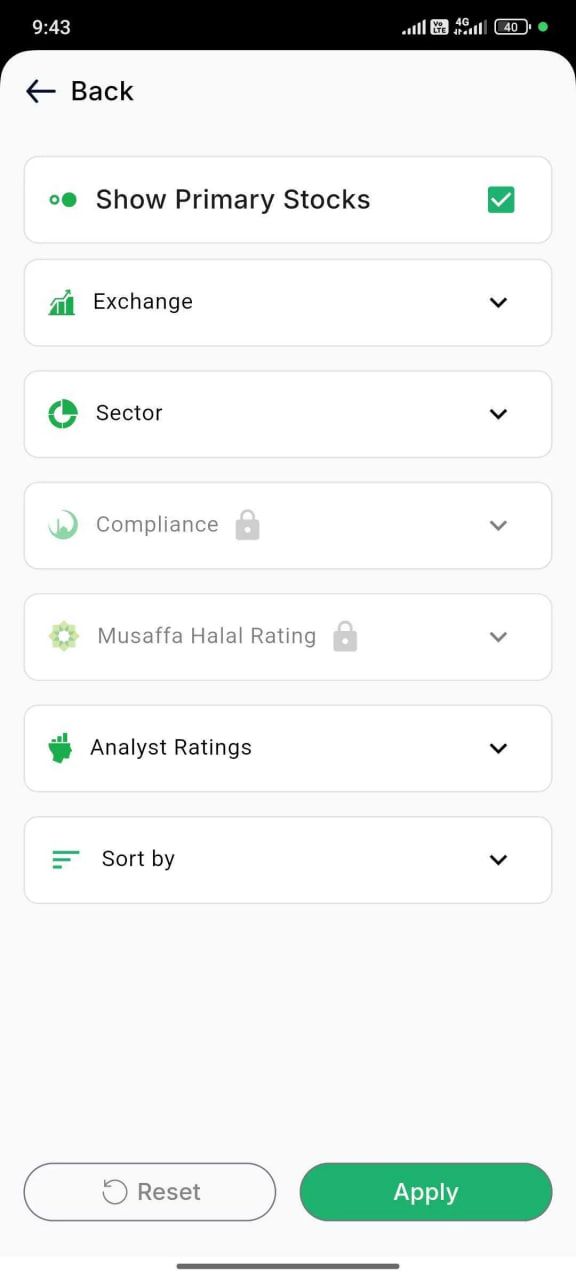
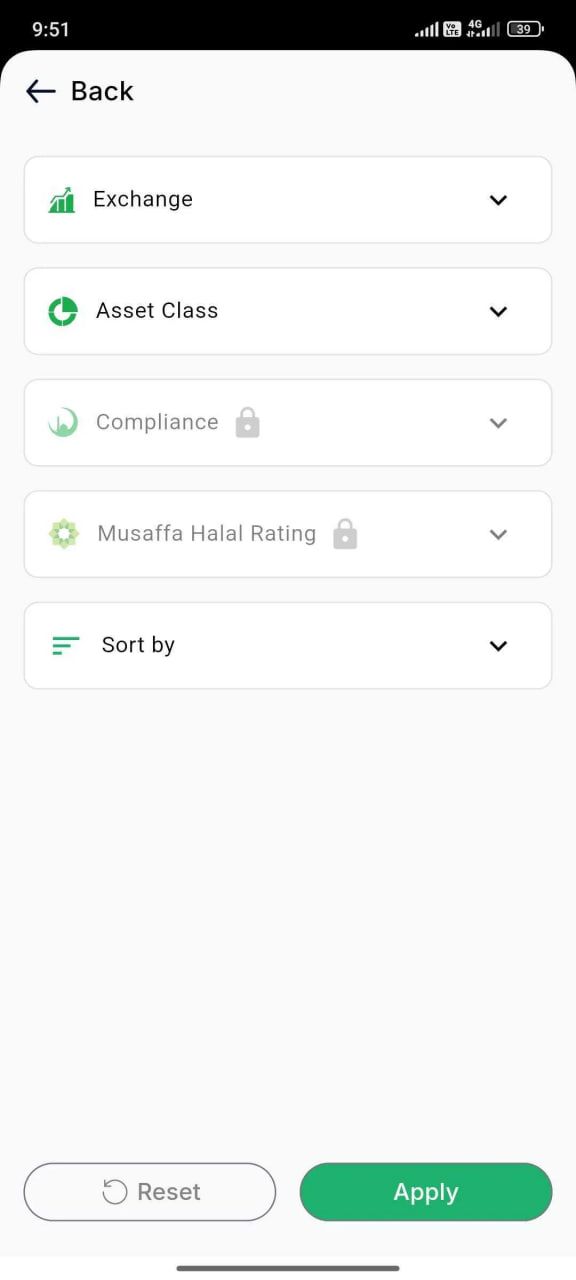
Use the Halal Stock Screener to find stocks that meet Shariah compliance standards. Simply use the search bar to look up specific stocks or apply filters such as Country, Sector, or Compliance. This makes it easy to narrow down your investment choices based on your preferences.
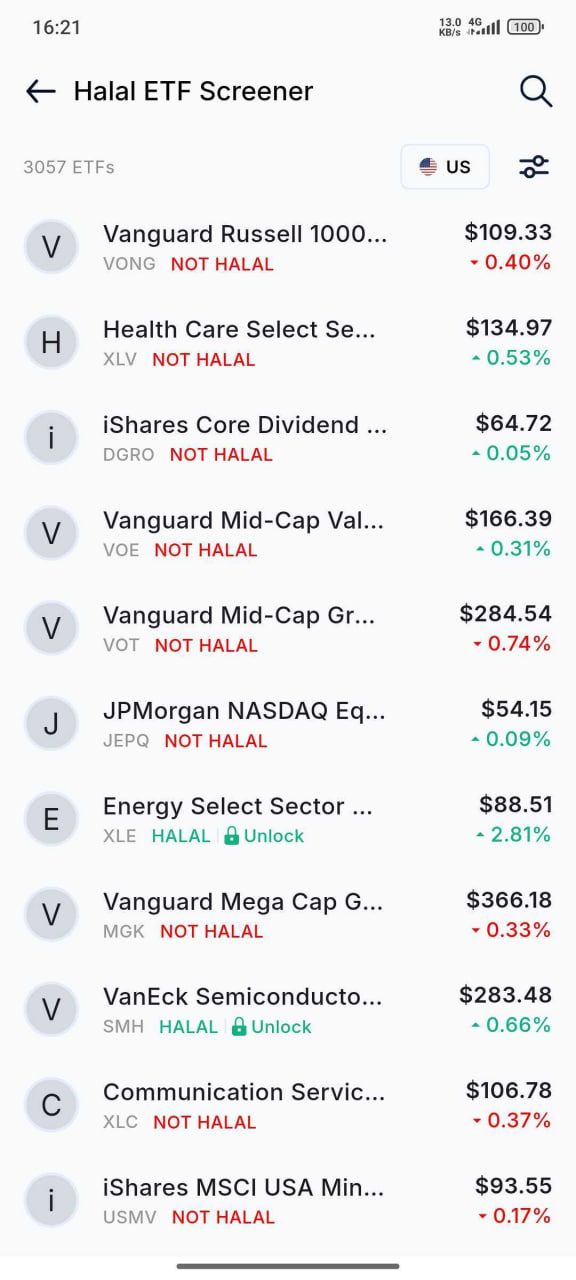
Halal ETF Screener
Looking to invest in Shariah-compliant ETFs? The Halal ETF Screener helps you do just that. You can apply filters like Asset class or Compliance status to find the ETFs you need.
These tools are designed to simplify your halal investment journey and help you make informed decisions with ease.
4. Understand the Shariah screening breakdown
Musaffa provides a transparent and detailed Shariah compliance report for every stock on the platform. Each stock is carefully evaluated based on its business activities and financial structure, and then assigned a status: Compliant, Doubtful, or Non-Compliant.
To access this information:
Tap on the stock you're interested in.
Open the “Compliance” tab.
Here, you'll find a clear breakdown of the company's revenue sources and financial ratios, along with explanations of why the stock received its specific compliance status.
This level of detail helps you understand the reasoning behind each status and make confident, Shariah-aligned investment decisions.
5. Create and manage your watchlist
The Watchlist section in the Musaffa app helps you keep track of the stocks you're most interested in.
To access it, go to the “Watchlist” tab from the main menu.
With this feature, you can:
Create multiple custom watchlist collections to organize stocks based on your preferences (e.g., sectors, countries, or strategies)
Track your favorite stocks and revisit them anytime
Monitor price movements and get notified if the Shariah compliance status of a stock in your watchlist changes
You can add stocks to your watchlist in two ways:
From the stock page – While viewing a specific stock, tap the watchlist icon in the top-right corner and select the collection you’d like to add it to.
From the Watchlist section – Head to the Watchlist tab, create a new collection (if needed), and manually add stocks to it.
This makes managing and monitoring your investment interests simple and efficient.
6. Learn with Musaffa Academy
Musaffa Academy is your dedicated space to build a strong foundation in halal investing and Islamic finance, right inside the app.
To access the Academy:
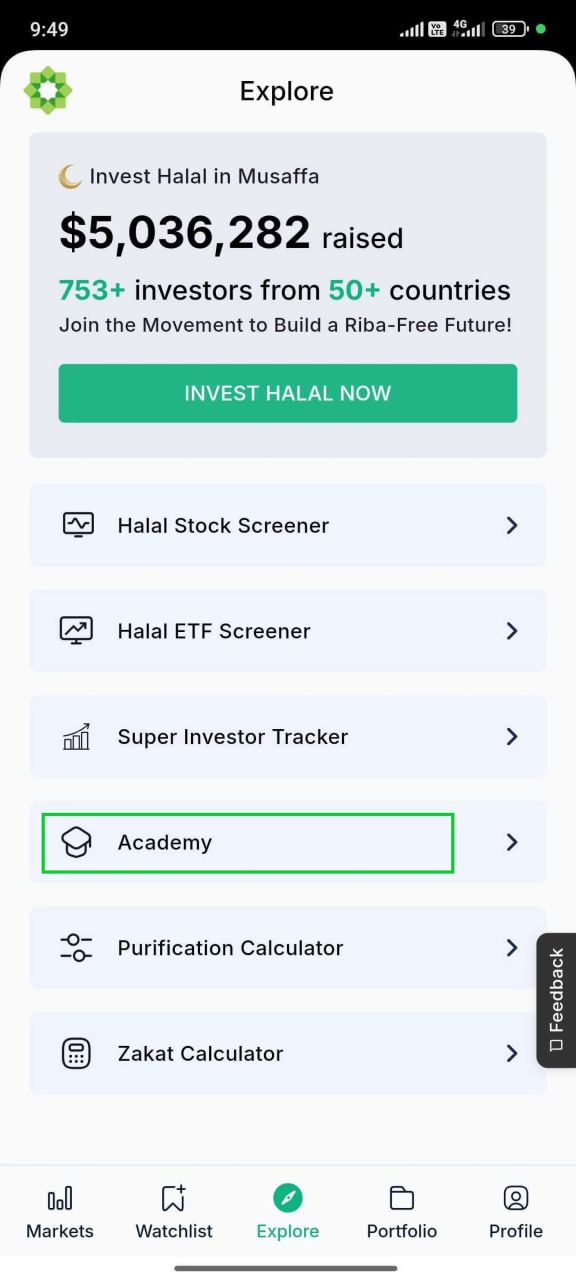
Go to the Explore page.
Tap on “Academy” to enter the learning section.
Inside, you’ll find:
Easy-to-understand educational articles on investing, Shariah screening, financial planning, and more.
Content for all levels, from beginners to advanced investors.
Islamic finance insights, including guides on halal vs. non-halal assets, purification, zakat, and Shariah compliance
In-depth topics such as halal investing principles, Islamic finance fundamentals, investment strategies, and real-world case studies.
This section is ideal for investors who want to expand their knowledge at their own pace and make confident, values-based decisions.
7. Use Purification and Zakat Calculators
Musaffa offers two essential tools to help Muslim investors align their portfolios with Islamic principles: the Purification Calculator and the Zakat Calculator.
To access both tools:
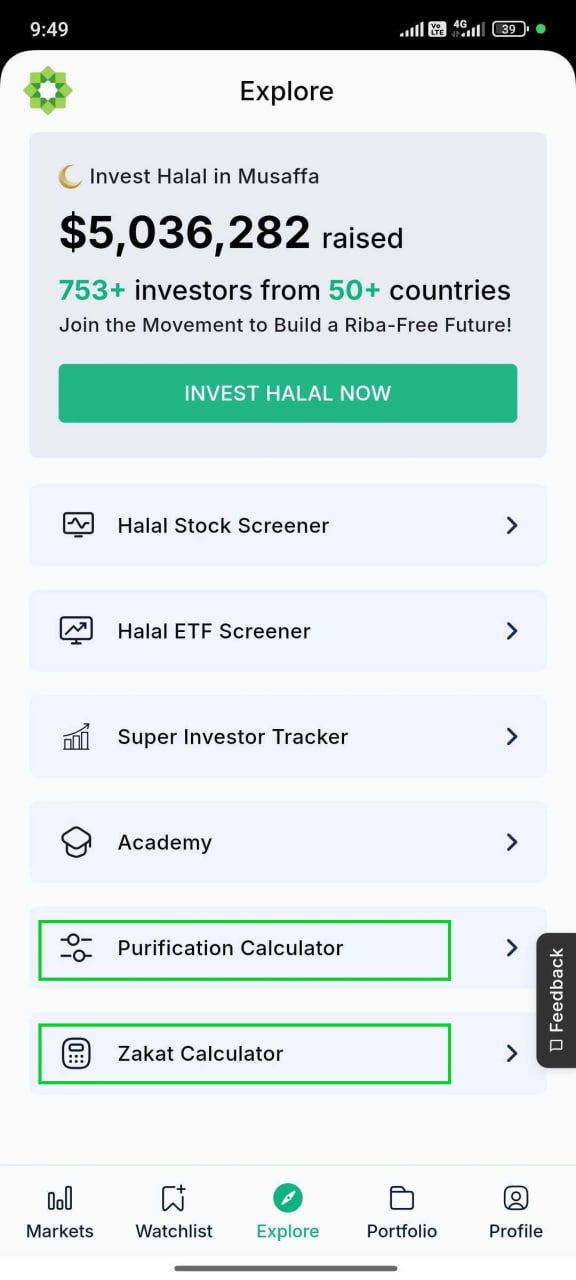
Go to the Explore page.
Tap on “Purification Calculator” or “Zakat Calculator” as needed.
Purification Calculator
This tool helps you determine the portion of your investment income that may come from non-permissible sources—like interest—and calculates how much should be purified by giving it away. It’s a simple way to ensure your earnings stay halal.
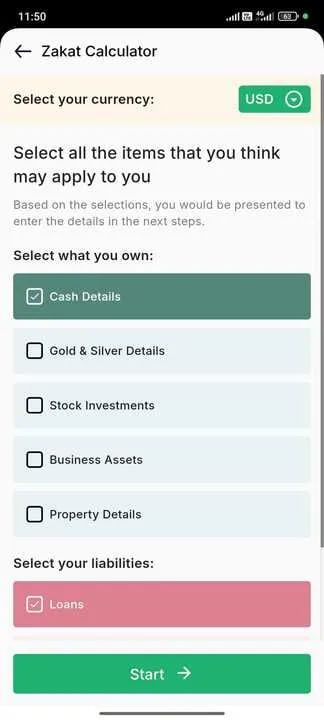
Zakat Calculator
This tool helps you calculate the annual zakat due on your investments. Based on your holdings and current values, the calculator makes it easier to fulfill this important obligation accurately and efficiently.
8. Explore powerful tools in the Markets section
The Markets section of the Musaffa app brings together some of the most insightful tools to help you track trends, discover opportunities, and make informed investment decisions—all in one place.
Here, you can explore:
Market Indices – Track the performance of major stock indices across different countries and regions
Stock Market Sector Performances – See which sectors are leading or lagging in various markets
Halal Stock and ETF Collections – Discover curated groups of Shariah-compliant stocks and ETFs tailored by market, theme, or strategy
Super Investor Tracker – Explore the portfolios of legendary investors and view halal-compliant stocks they hold
User Collections – Browse collections created by other users and get inspired by their ideas and themes
These features provide a comprehensive view of the market landscape, helping you stay informed, uncover investment ideas, and align your portfolio with your values and goals.
Final thoughts
The Musaffa app is designed to empower you with the tools, insights, and knowledge you need to invest with confidence and in full alignment with your values. From exploring halal stocks and ETFs to tracking compliance updates, learning with Musaffa Academy, and calculating purification and zakat — everything you need is in one intuitive platform.
Whether you're just getting started or looking to enhance your investment journey, Musaffa offers a seamless and Shariah-conscious experience tailored for modern Muslim investors.
Ready to take control of your halal investing journey?
Open the Musaffa app and start exploring today!
Was this helpful?
Still need help? Ask the team