How to Use the Zakat Calculator on Musaffa
Last updated Over 1 year ago
Calculating your Zakat is an important duty, and it doesn't have to be complicated. This guide provides everything you need to calculate your Zakat in a hassle-free way with the Musaffa Zakat Calculator. You can follow the simple written steps below or watch the video demonstration for a visual walkthrough.
Video Tutorial
Step 1: Access the Zakat Calculator
From the Side Menu: On the Musaffa platform, open the side navigation menu and select ‘Zakat calculator’ from the ‘Tools’ tab.
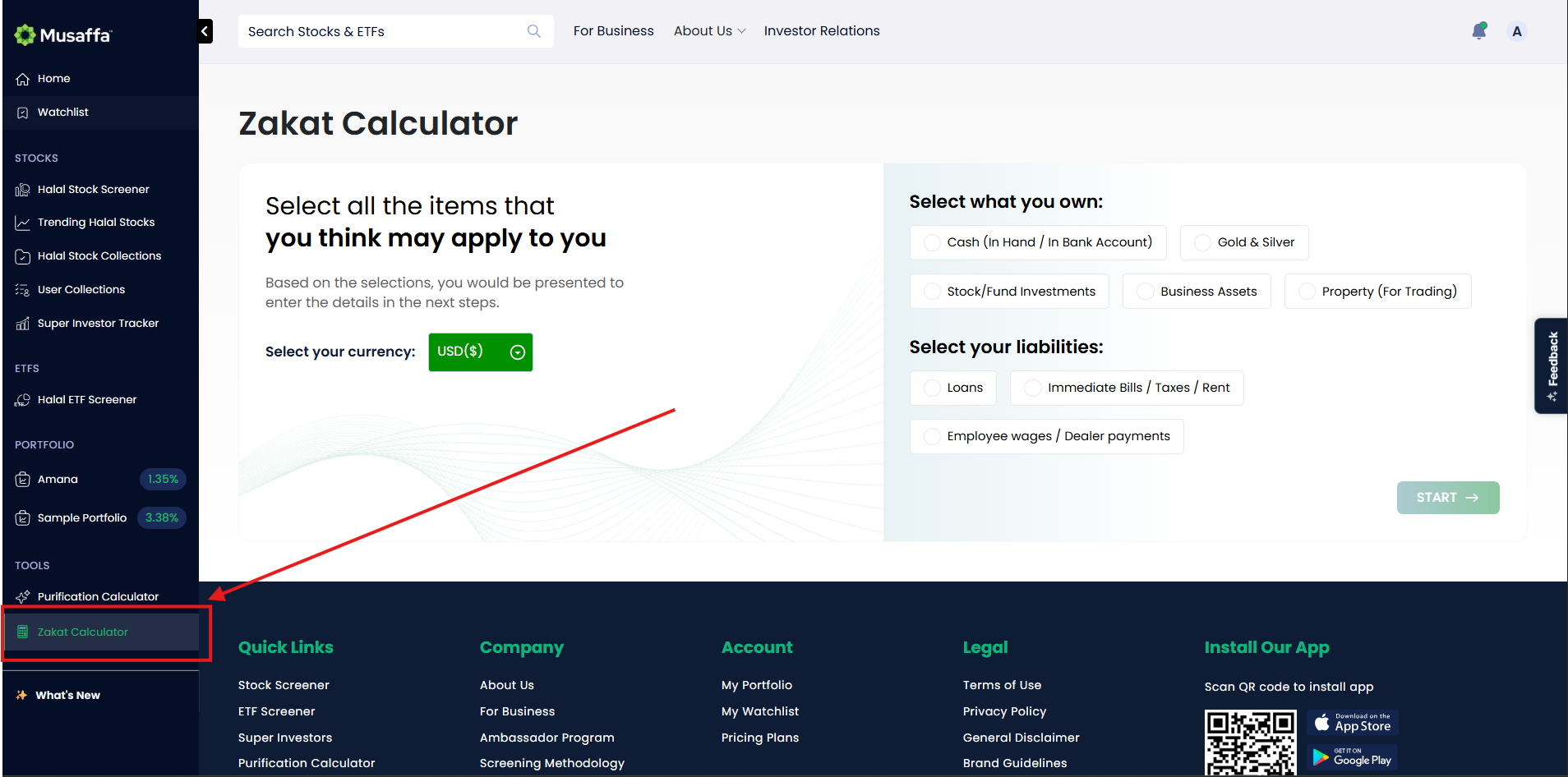
Direct Link: Simply click the link to go directly to the Zakat calculator: Musaffa Zakat Calculator.
Step 2: Enter Your Financial Details
Once the calculator is open, you will be prompted to enter your financial information.
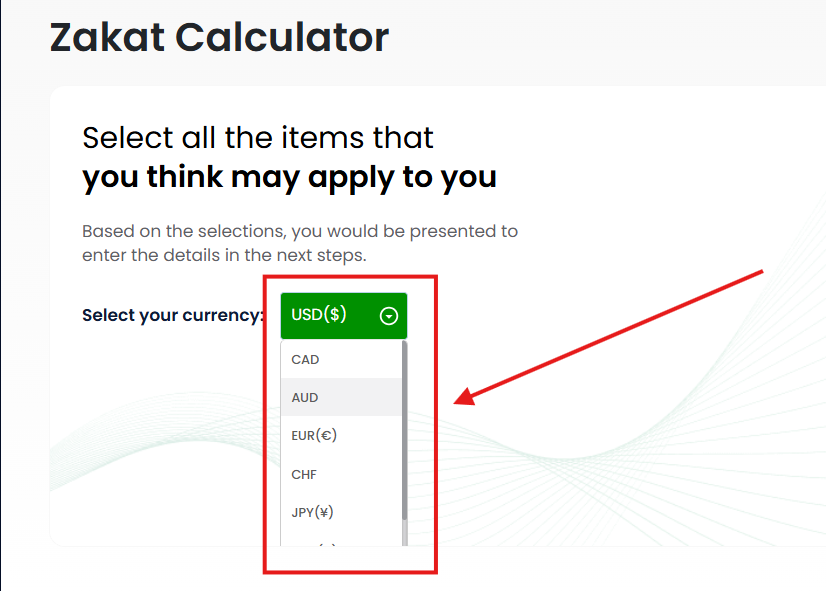
Select Your Currency: From the dropdown menu, choose the currency you want to use (e.g., USD, EUR, etc.).
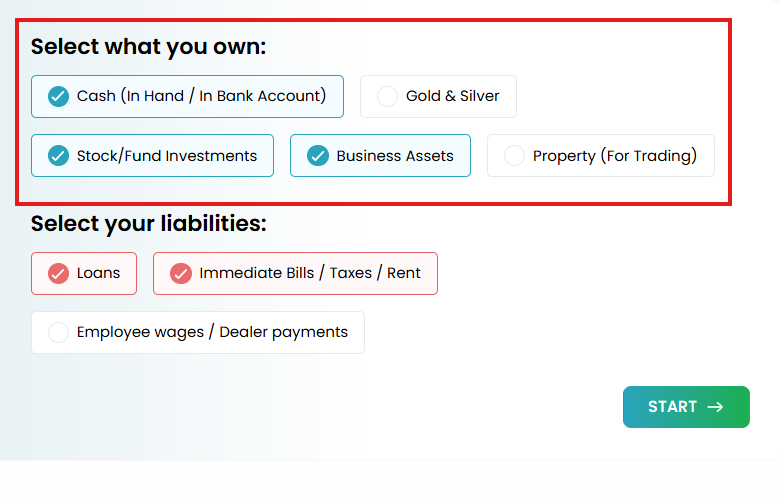
Choose What You Own (Assets): Check the boxes for all asset types you have. The options include:
Cash (in hand or in bank accounts)
Gold & Silver
Stock/Fund Investments
Business Assets
Property (held for trading purposes)
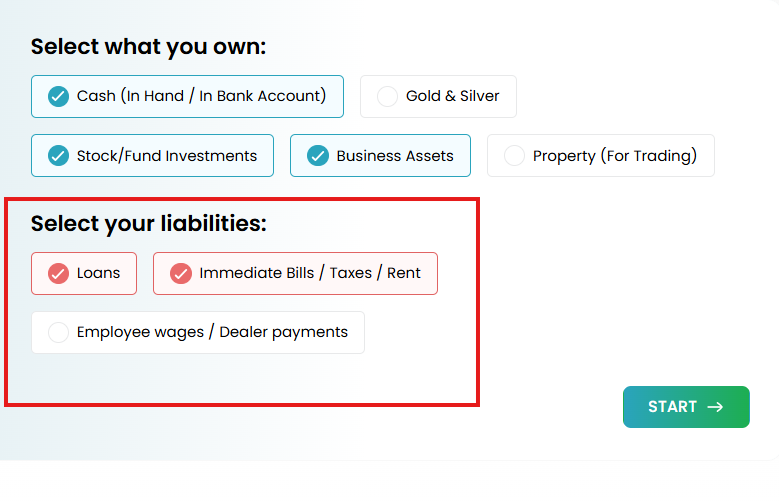
Add Your Liabilities (Deductible Debts): Check the boxes for any debts or immediate payments you need to make. These will be subtracted from your assets. The options include:
Loans
Immediate Bills, Taxes, or Rent
Employee Wages or Dealer Payments
Step 4: Calculate Your Zakat
After selecting your categories, click the "Start" or "Continue" button to input the values for each item. Once all your asset and liability amounts are entered, click on the final “Calculate” button.
The calculator will instantly show you the total Zakat amount you are due to pay.
Was this helpful?
Still need help? Ask the team