How to Request Stock Coverage on Musaffa
Last updated Over 1 year ago
Musaffa offers premium users the ability to request coverage for up to 3 stocks per day. Here’s how to request stock coverage:
Step 1: Search for the Stock
Use the search bar on the platform to find the stock you’re interested in.
Navigate to the stock’s page.
Step 2: Request Coverage
On the stock’s page, look for the "Request Coverage" button.
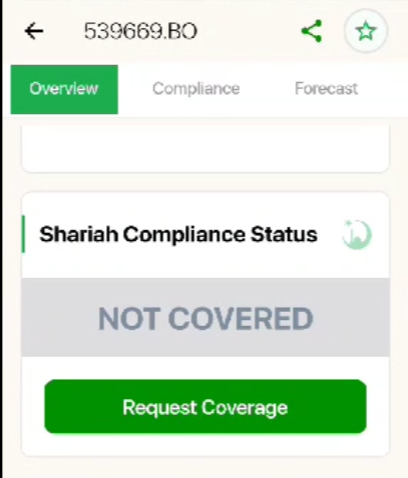
Click the button to submit your request.
Step 3: Await Analysis
Your request will prompt Musaffa's team to provide detailed stock analysis and coverage.
You’ll be notified once the analysis is complete.
Note: If the stock does not exist from a covered market on Musaffa, please write to us support@musaffa.com.
Was this helpful?
Still need help? Ask the team