How to Check if Your Country is Covered on Musaffa
Last updated Over 1 year ago
Step 1: Go to the Stock Screener
Navigate to the Musaffa Home Page.
Click on the "Halal Stock Screener" tab in the side navigation bar to access the Stock Screener.
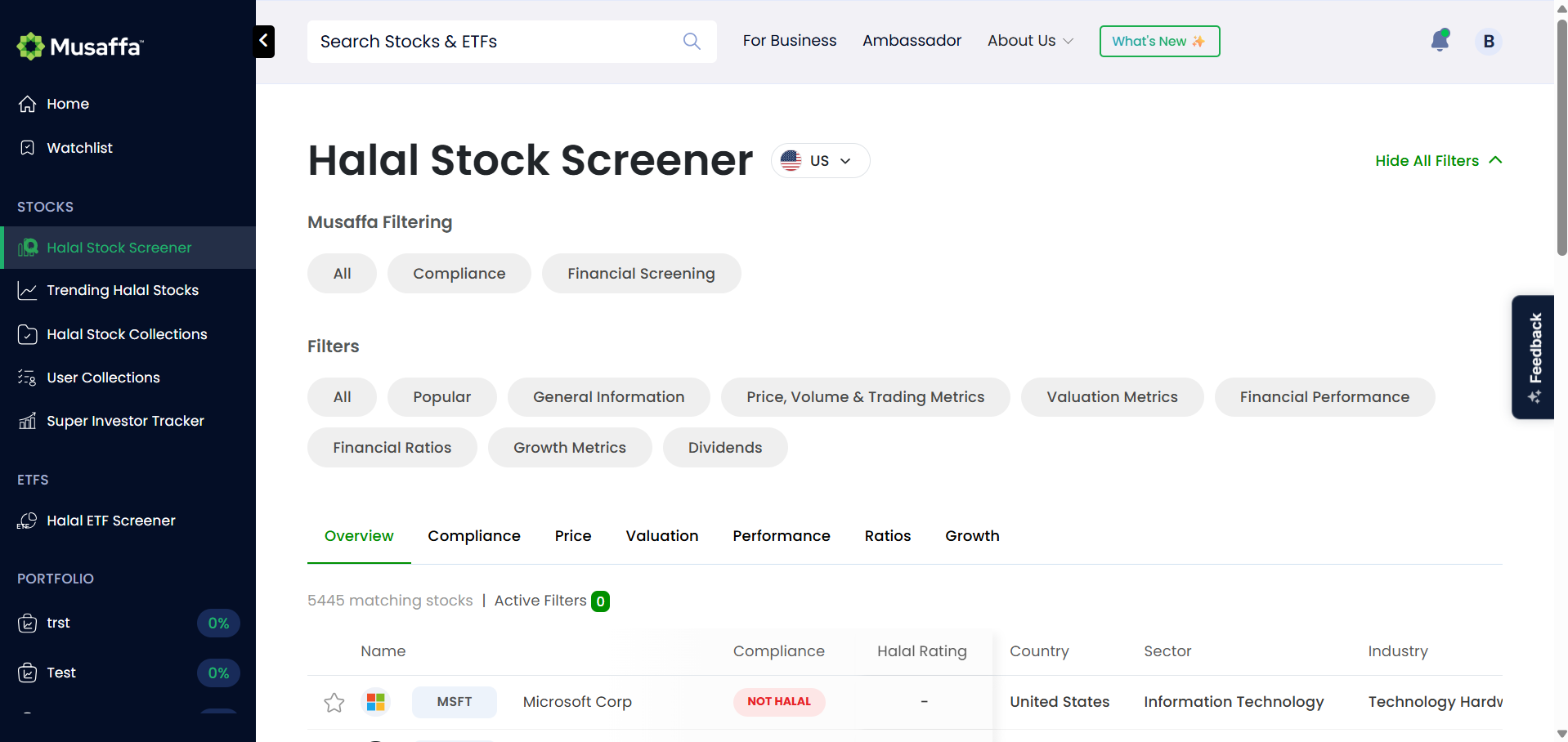
Step 2: Use the Country Filter
In the Stock Screener section, locate the filters at the top of the page.
Click on the Country Filter (the first filter).
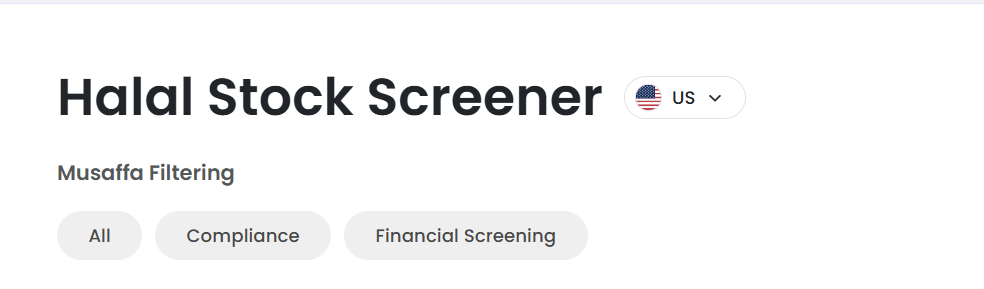
A dropdown list will appear showing the countries covered by Musaffa.
Step 3: Search for Your Country
Scroll through the list or type your country’s name in the dropdown search bar.
If your country is listed, Musaffa covers stocks from your region.
Was this helpful?
Still need help? Ask the team